 Connected Performance
How To Manage Users
This guide will walk you through the process of managing users in the Connected-performance application
This guide will walk you through the process of managing users in the Connected-performance application
From accessing user management to assigning roles and updating profiles, learn how to efficiently handle user-related tasks.
Step 2 — Click "Users"
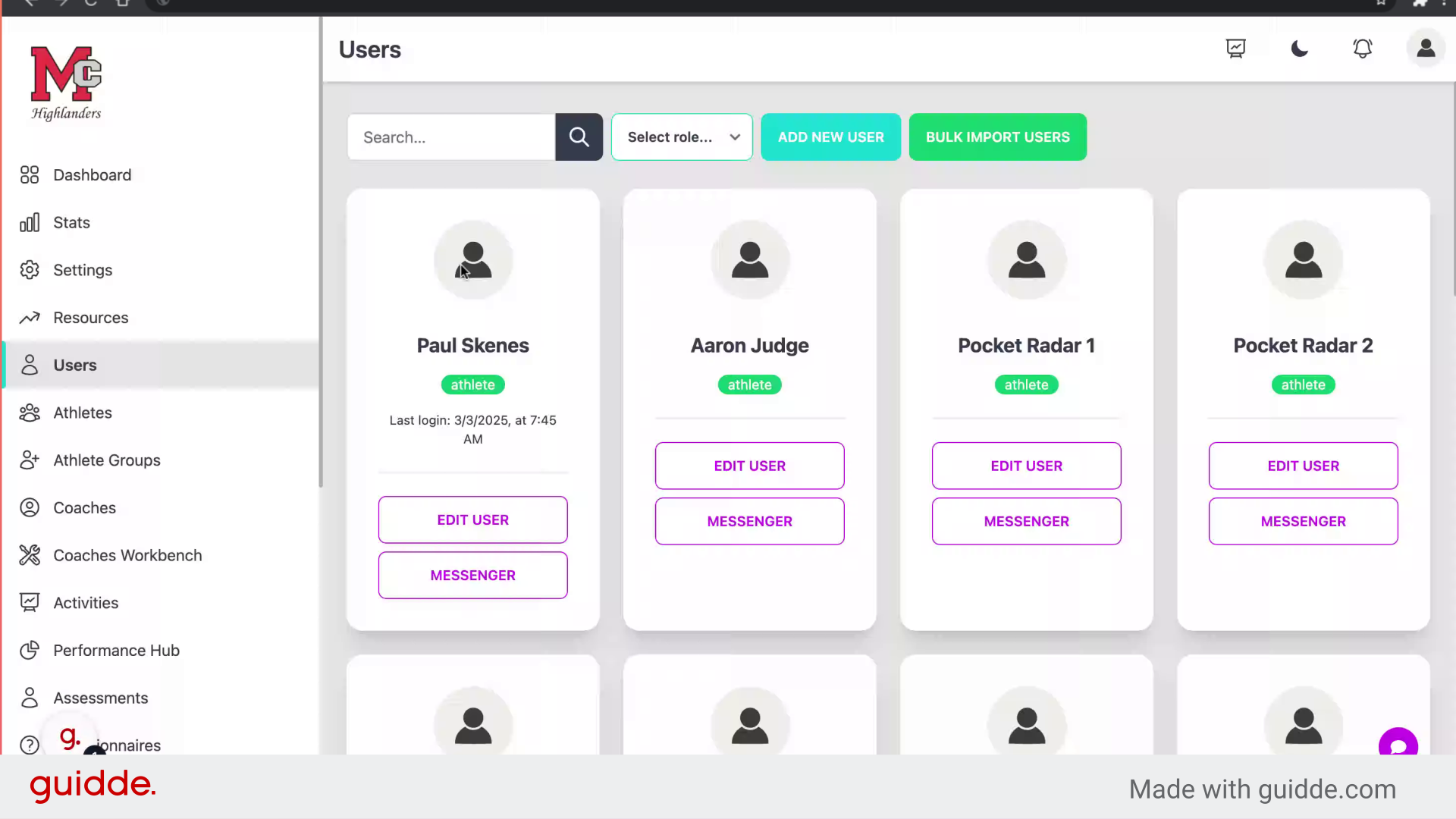
Access the user management section.
Step 3 — Fill "on"
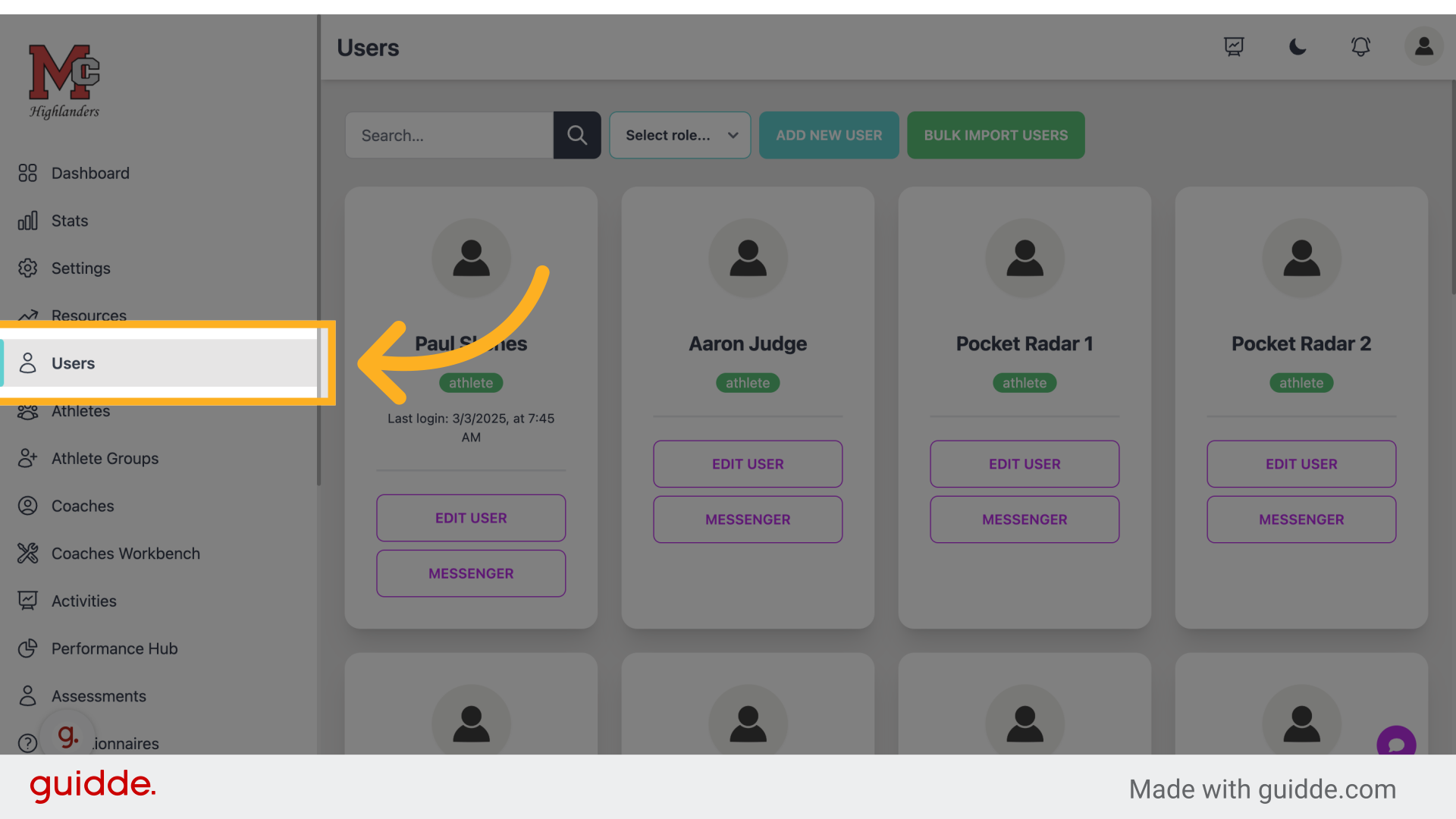
Provide necessary user information.
Step 4 — Click "Add New User"
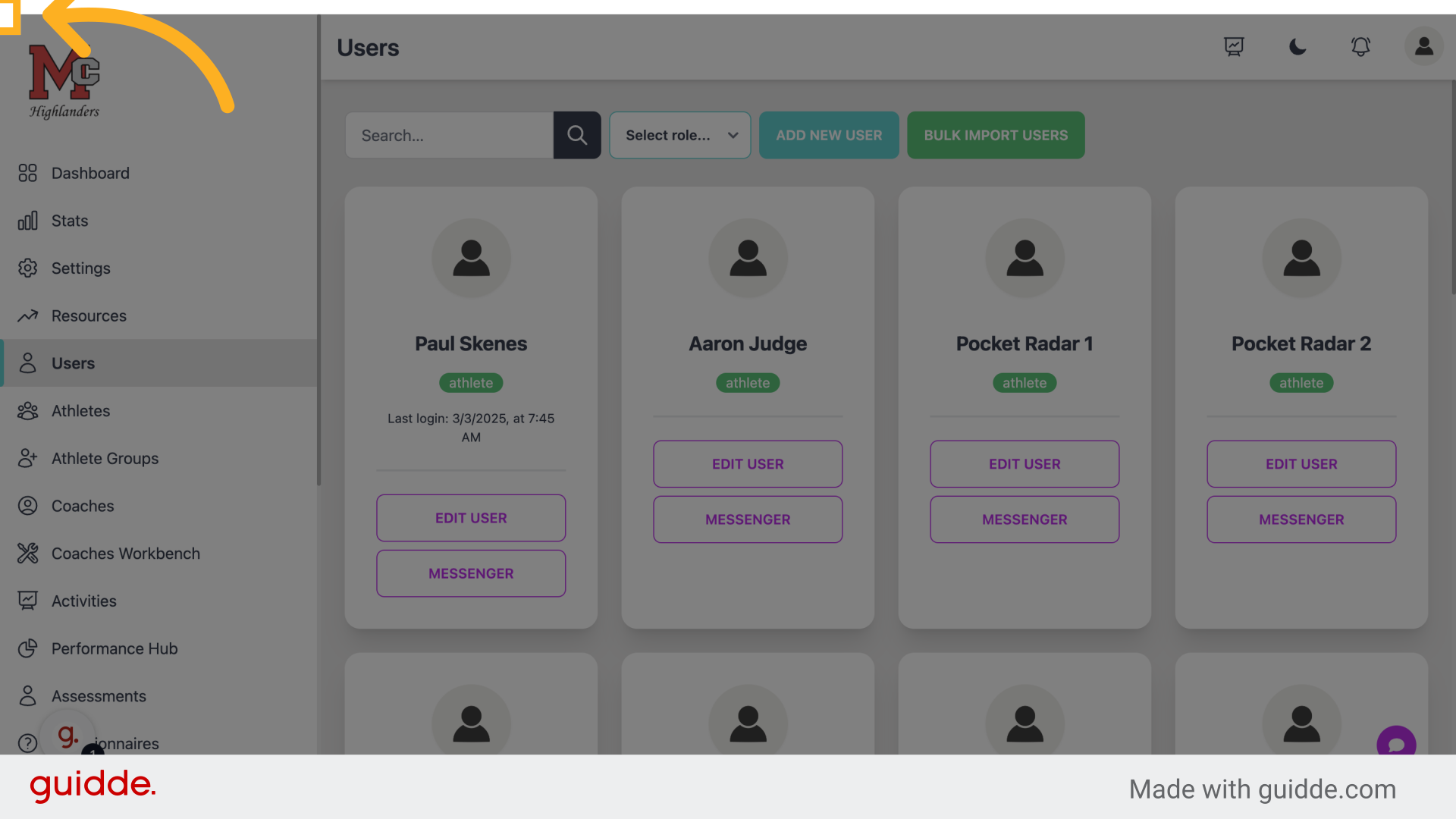
Initiate the user creation process.
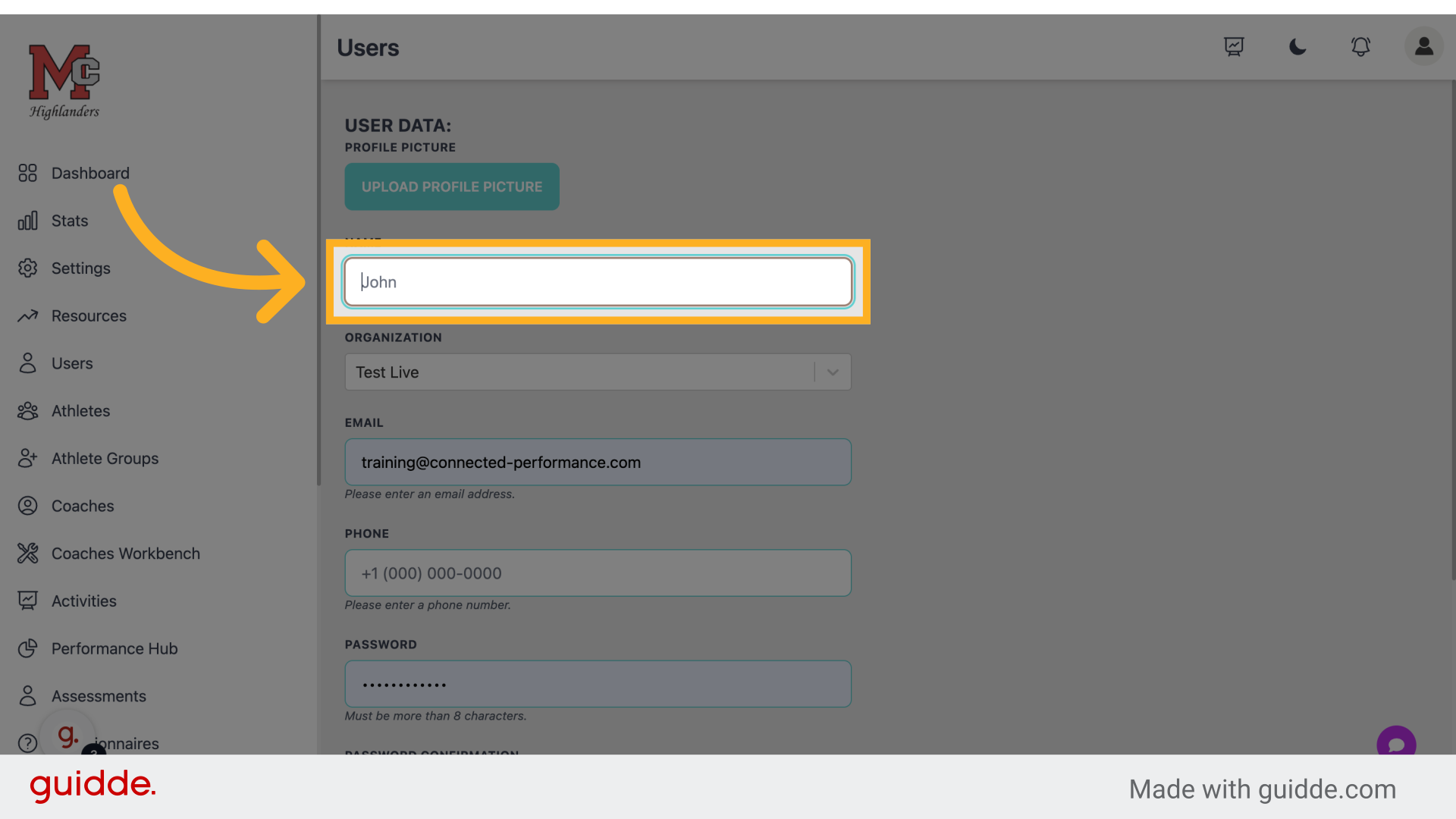
Step 5 — Enter The User's Name
Select the user to manage.
Step 6 — The Phone Number is Optional
Step 7 — Enter Their Email
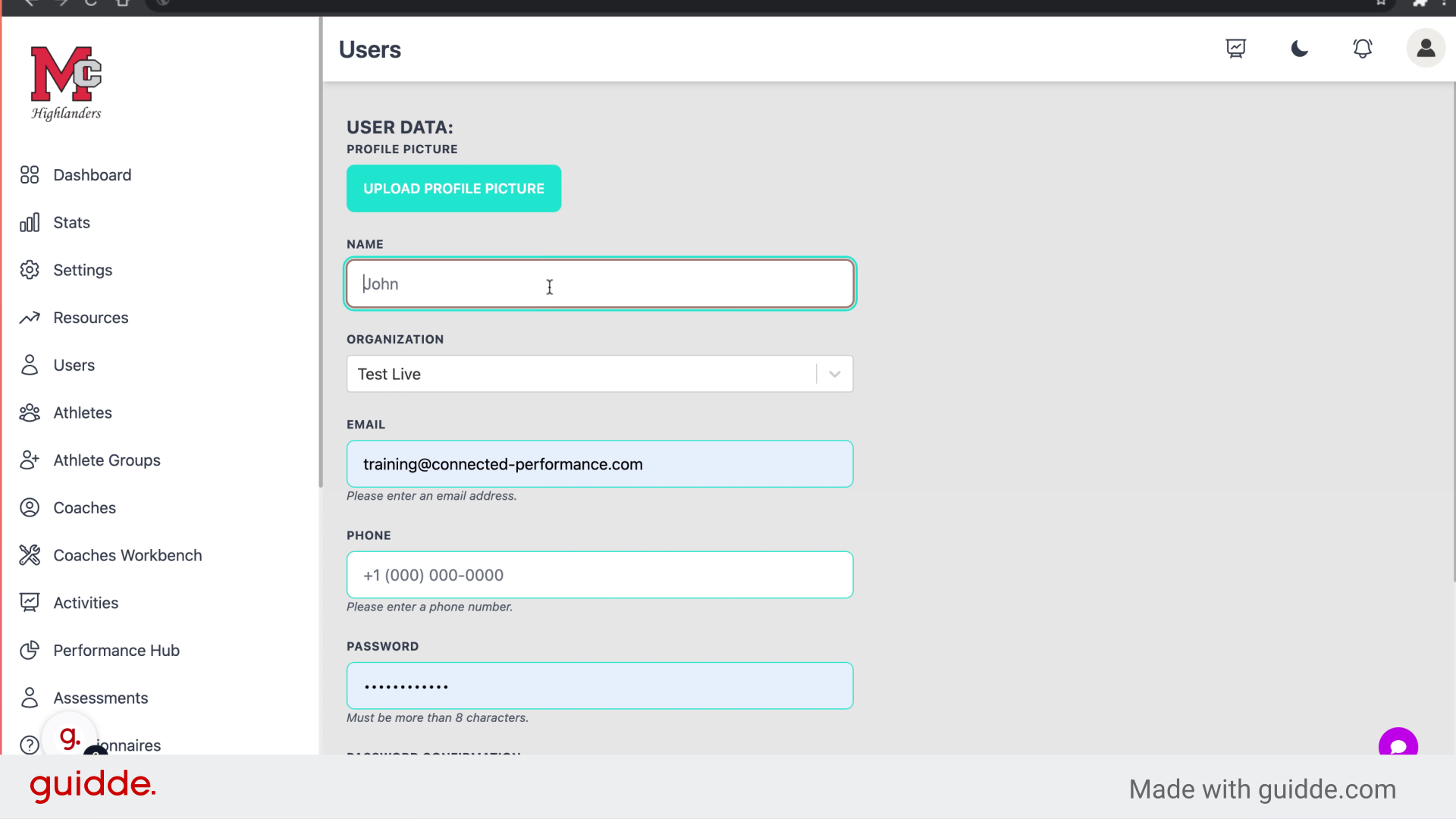
Enter a valid email
Step 8 — Enter A Password
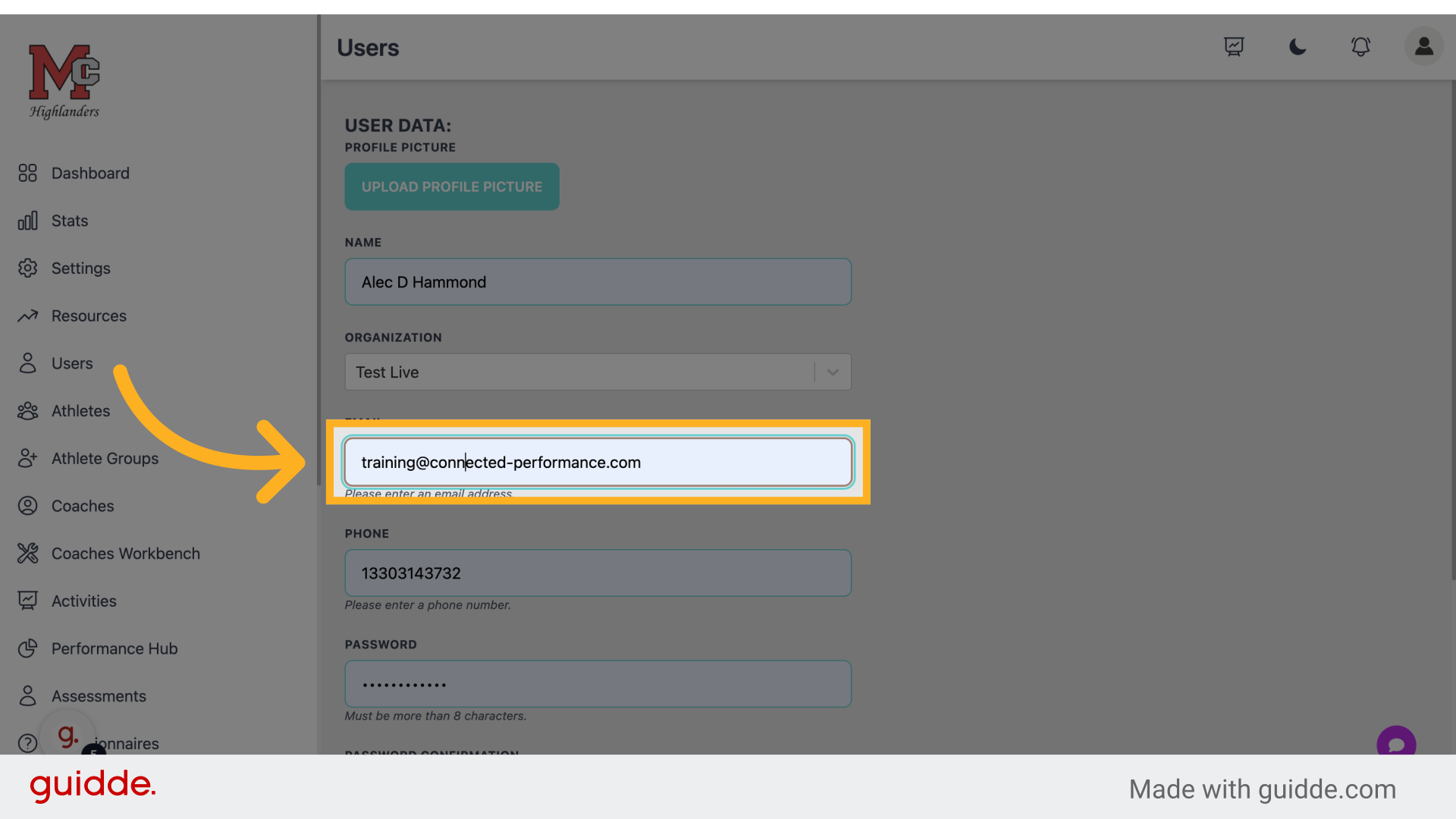
Enter user password.
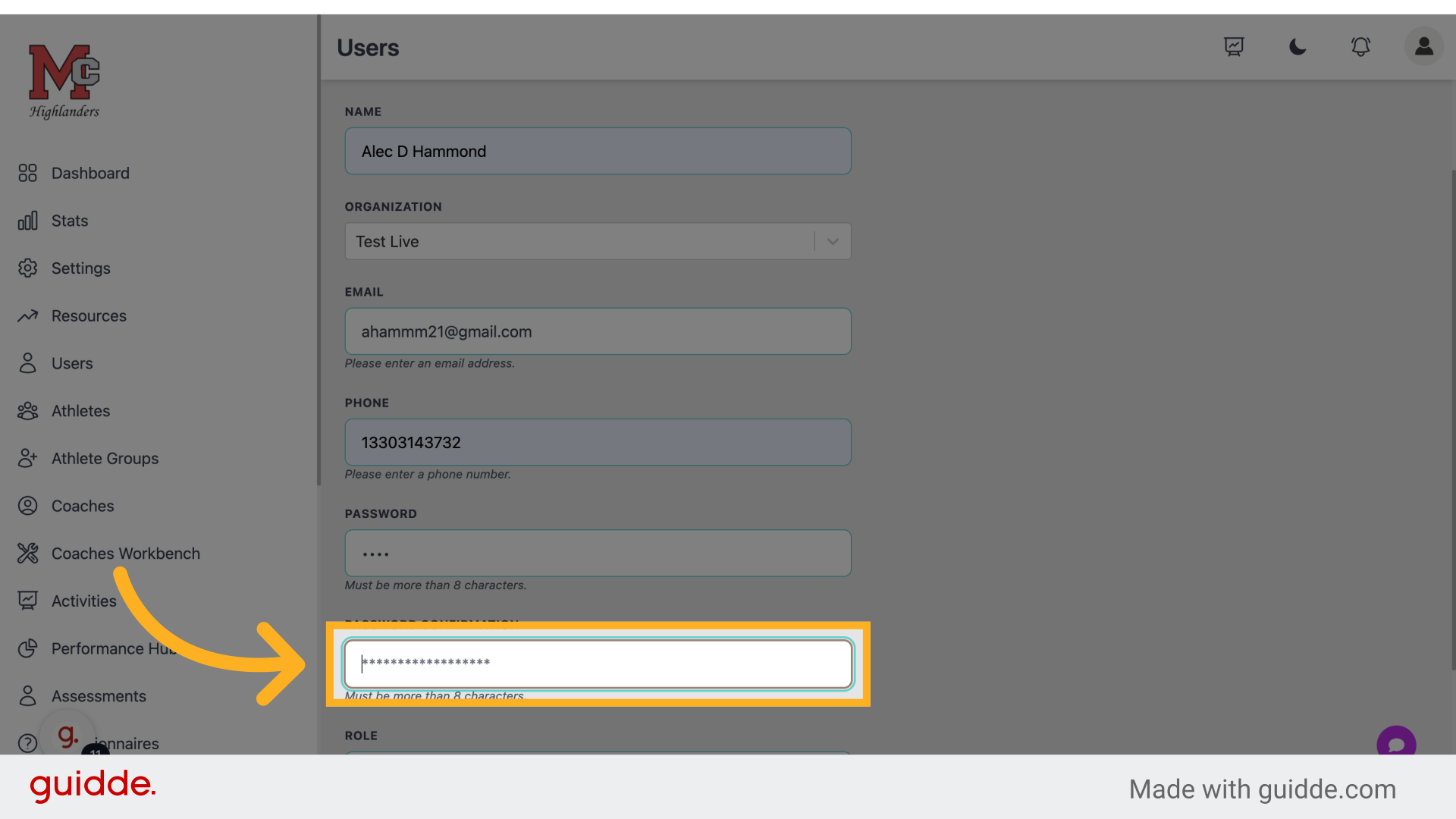
Step 9 — Confirm Password
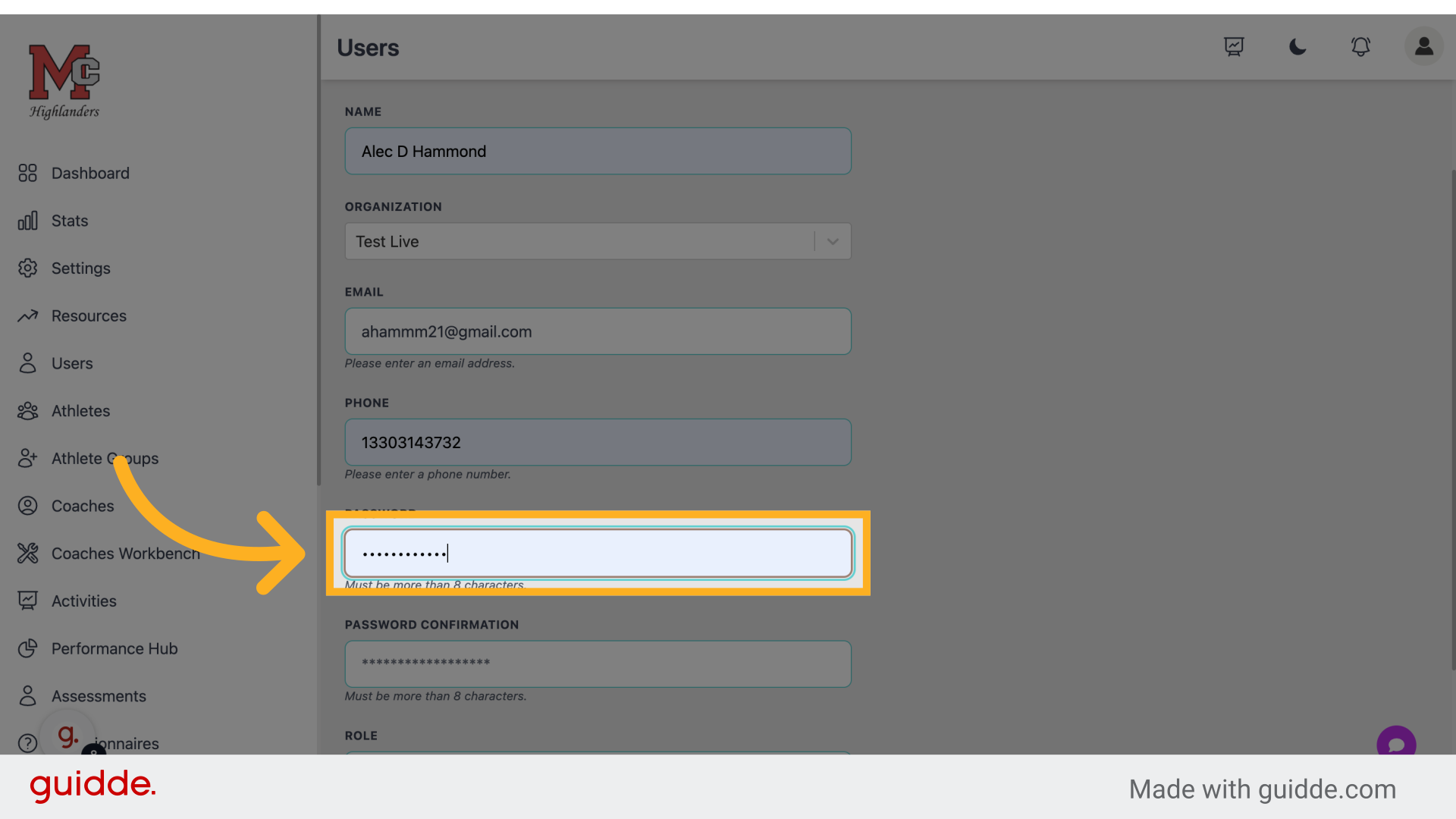
Re-enter user password for verification.
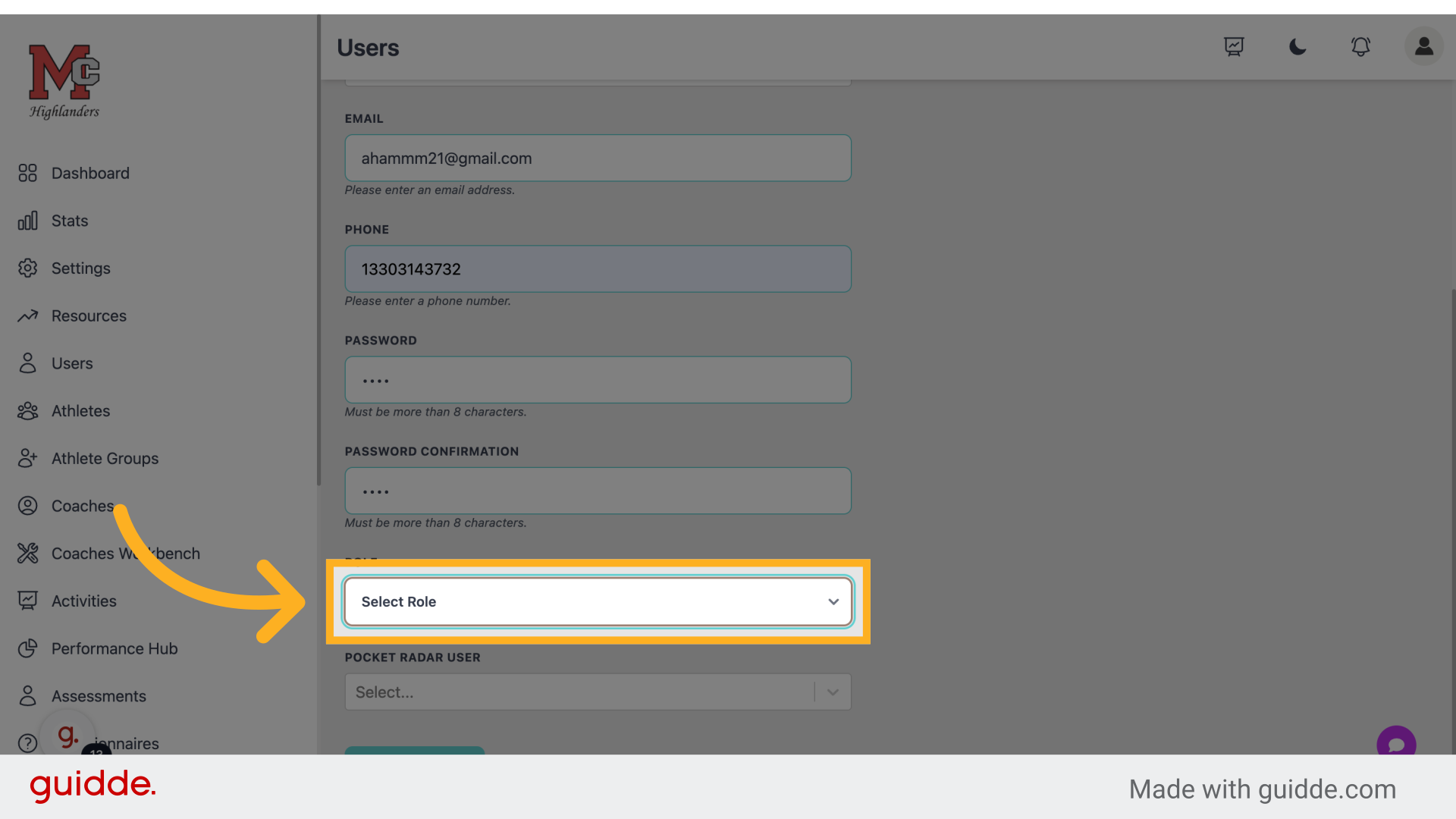
Step 10 — User The User A Role
Assign a role to the user. If none is selected it with throw an error
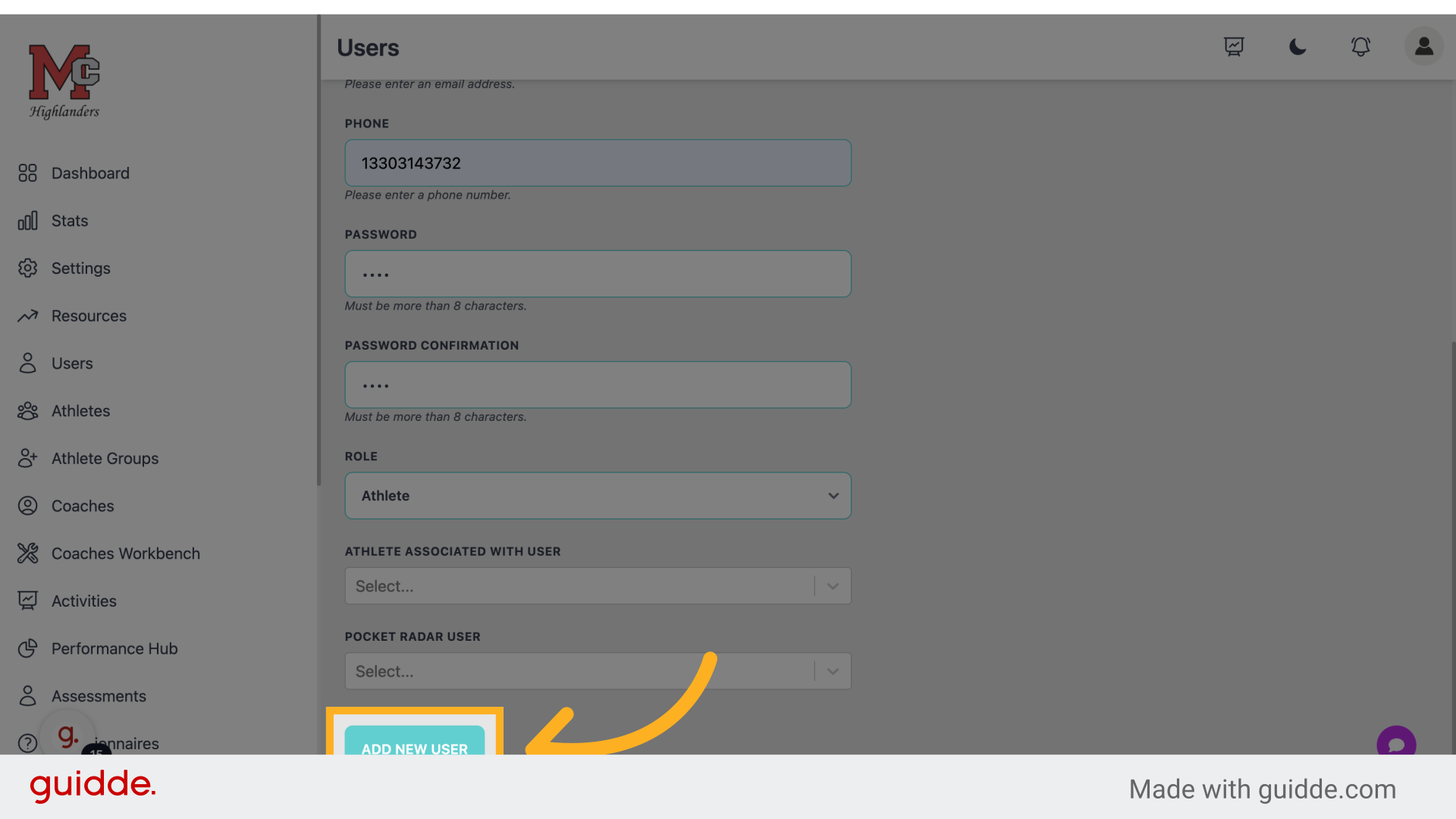
Step 11 — Click "Add new user"
Finalize adding the new user.
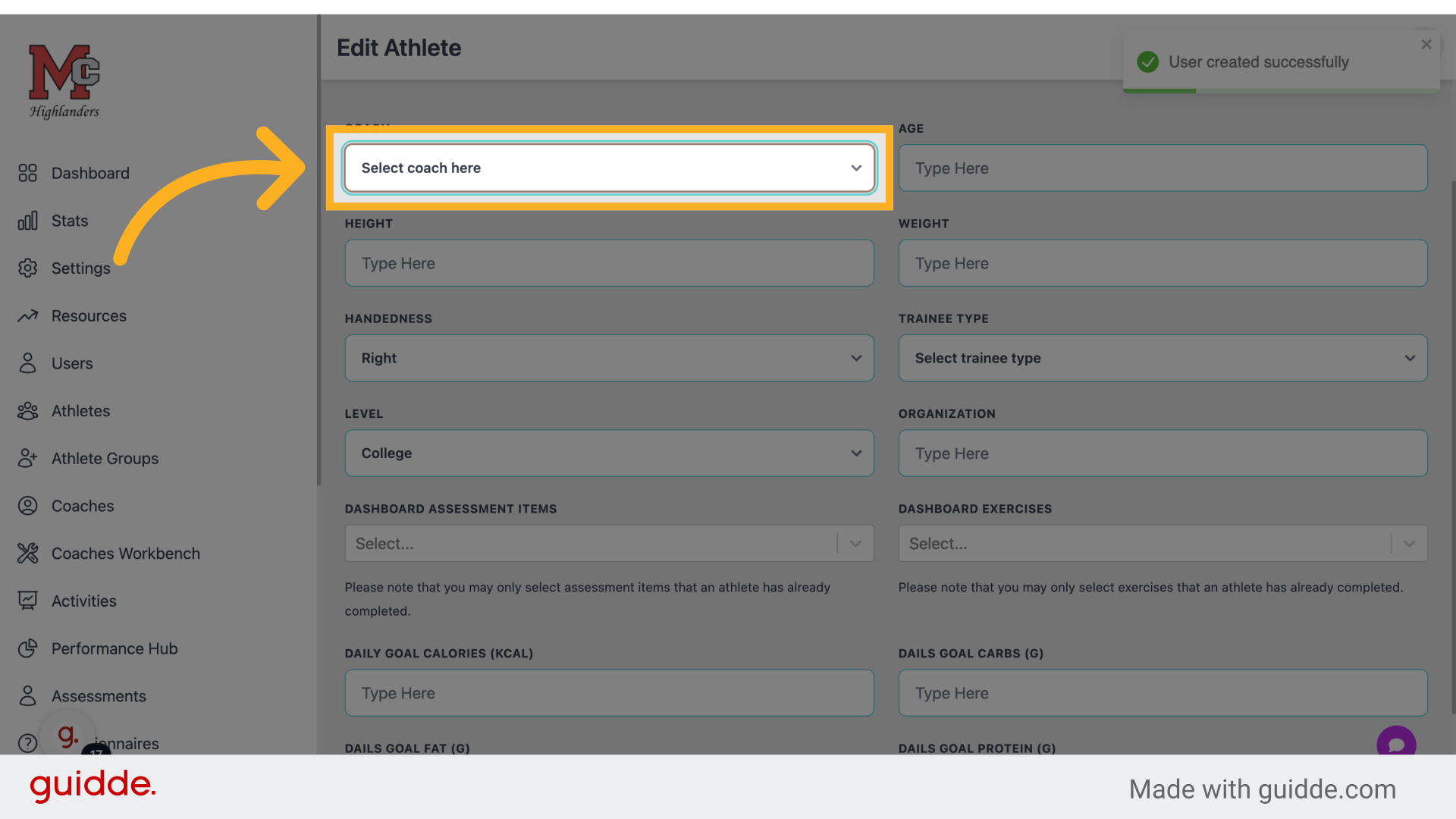
Step 12 — Assign A Coach
Assign a coach to the user.
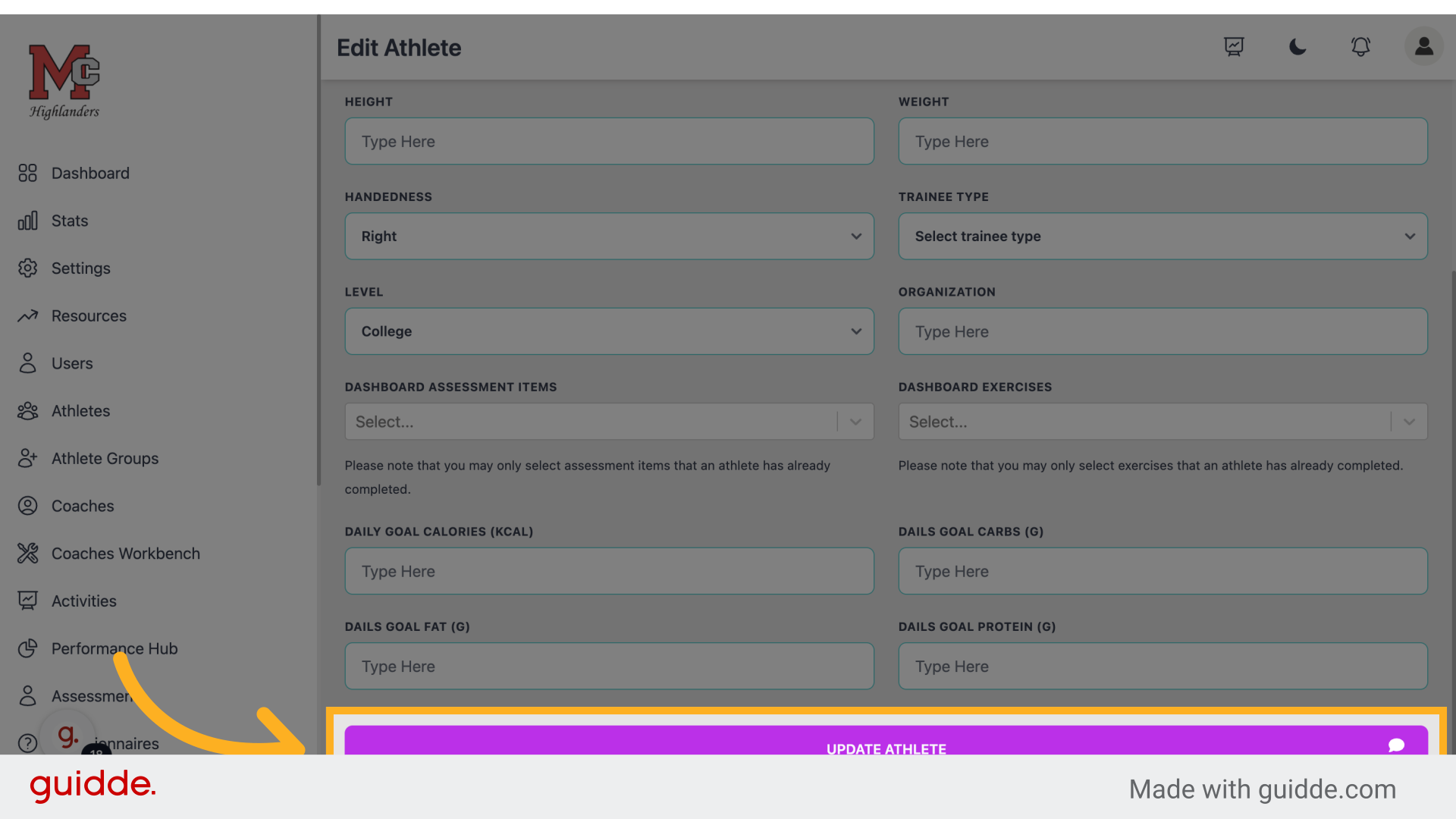
Step 13 — Click "Update athlete"
Save the changes made to the user profile.
 The guide covered managing users in Connected-performance, including accessing user management, adding new users, assigning roles, and updating user profiles. Master user management with these precise instructions.
Referenced by
- 'Athlete Profile'user management
- 'Kisi Door Access'integrations
- 'Managing Coaches'user management
- 'Parents & Guardians'user management