 Connected Performance
Reports & Analytics
Track User Activity
This guide will walk you through managing user activity efficiently in Connected-performance
Manage User Activity
This guide will walk you through managing user activity efficiently in Connected-performance
Learn how to access the dashboard, navigate to the athlete section, filter user activities by type, and return to the main dashboard seamlessly.
Step 2 — Select a Role
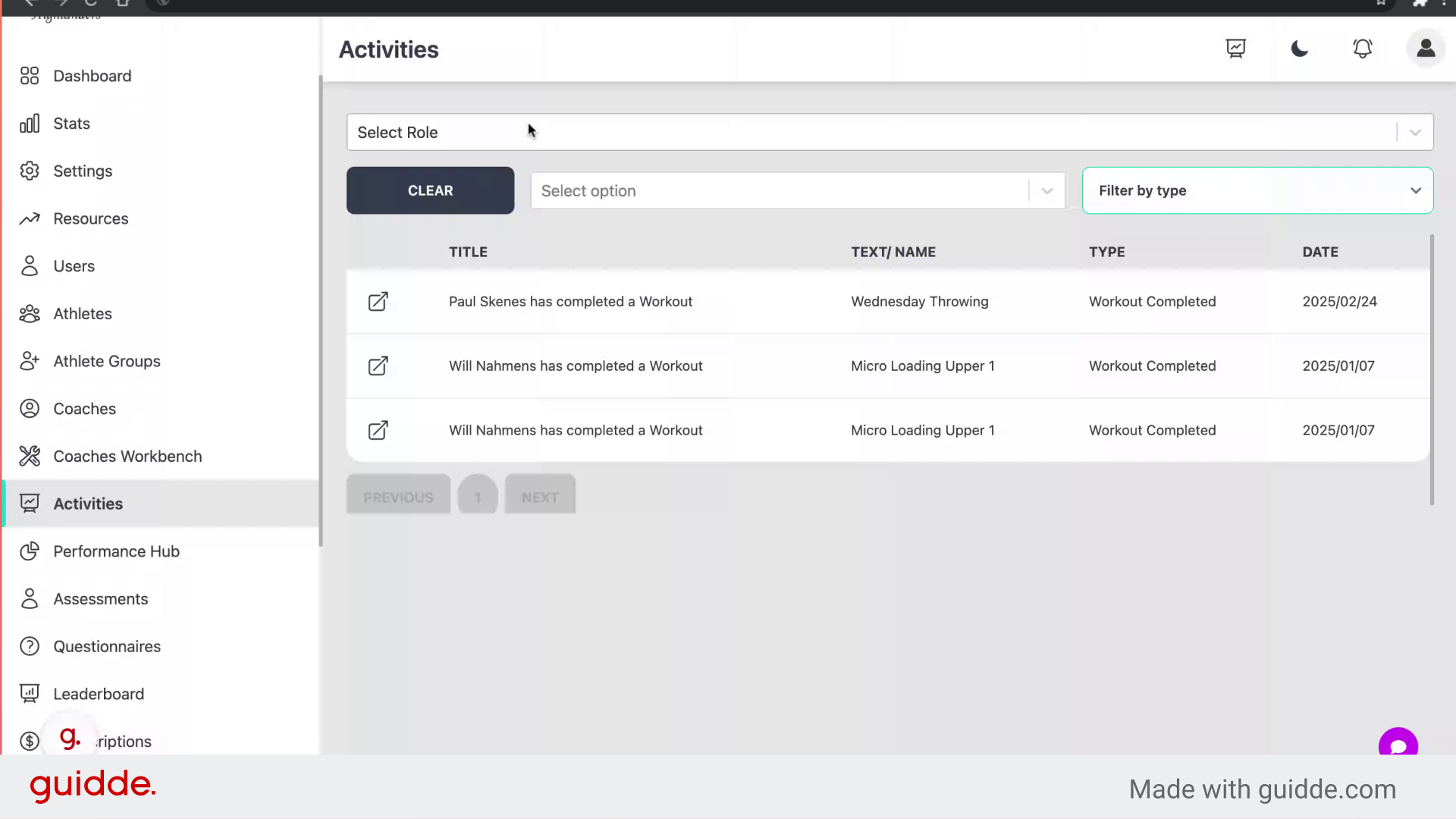
Choose either athlete or coach
Step 3 — Click "Athlete"
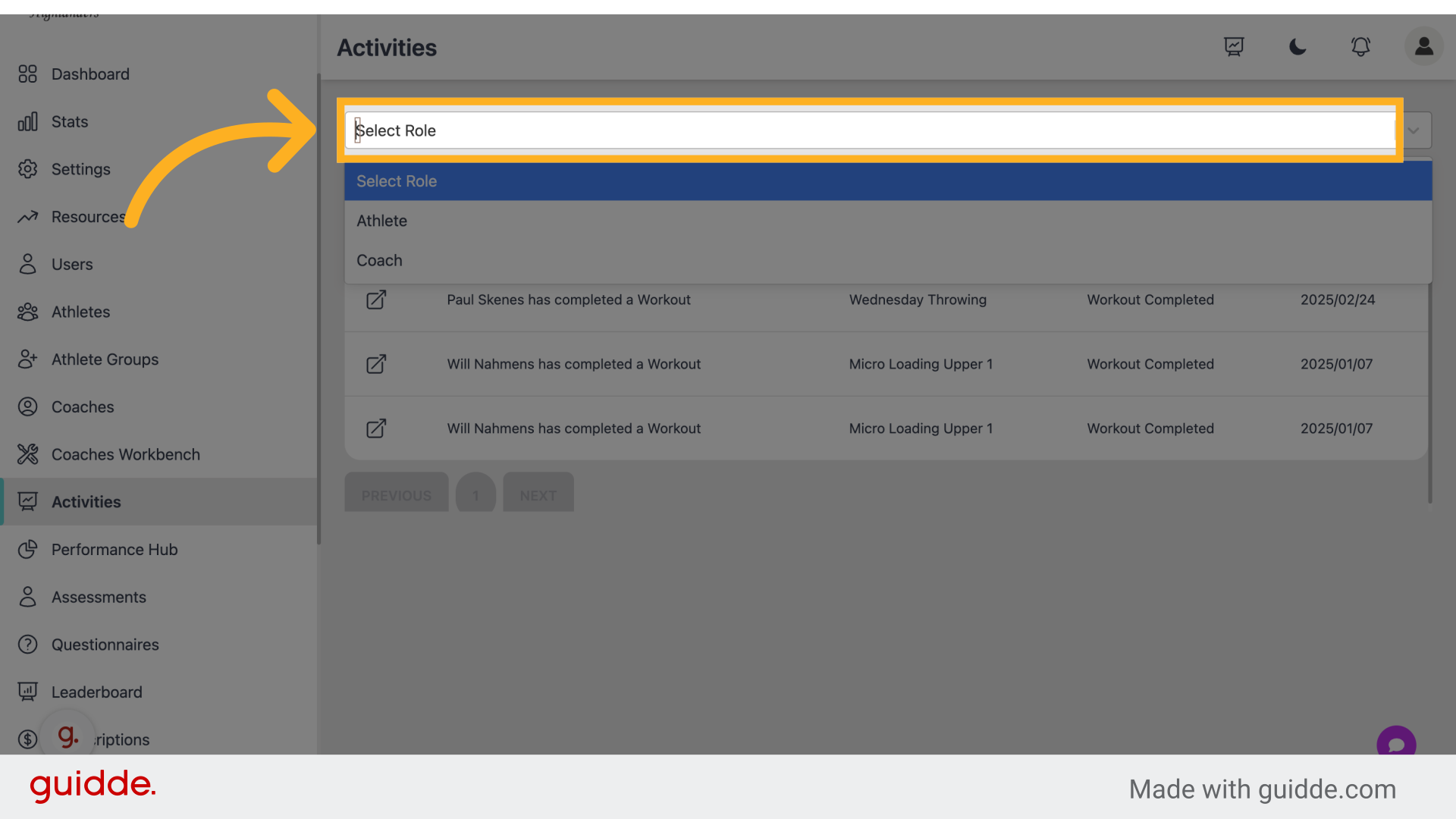
Navigate to the athlete section.
Step 4 — Filter Your Activity
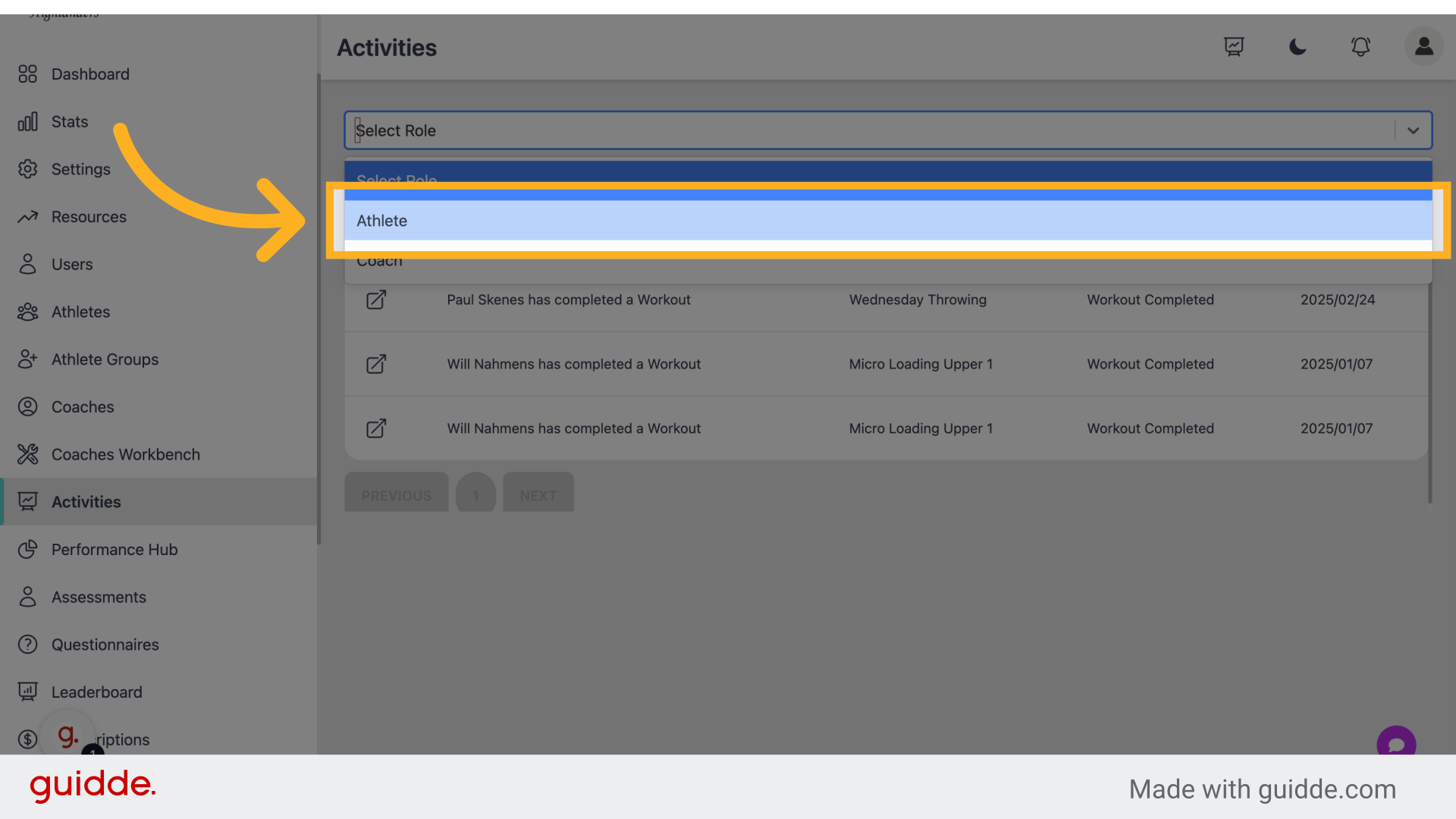
pick a type then choose a certain filter
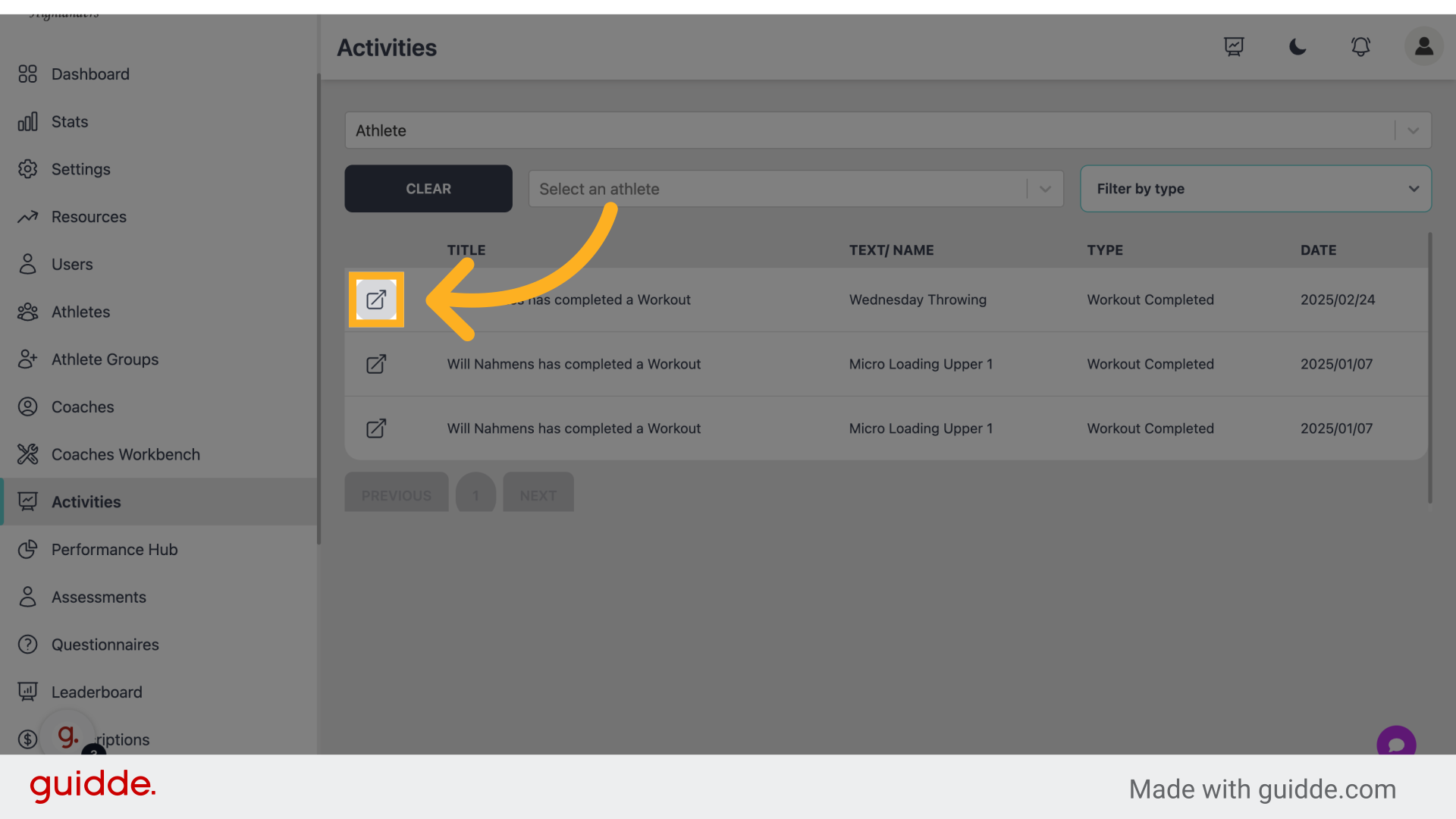
Step 5 — Click the arrow to go directly to that activity
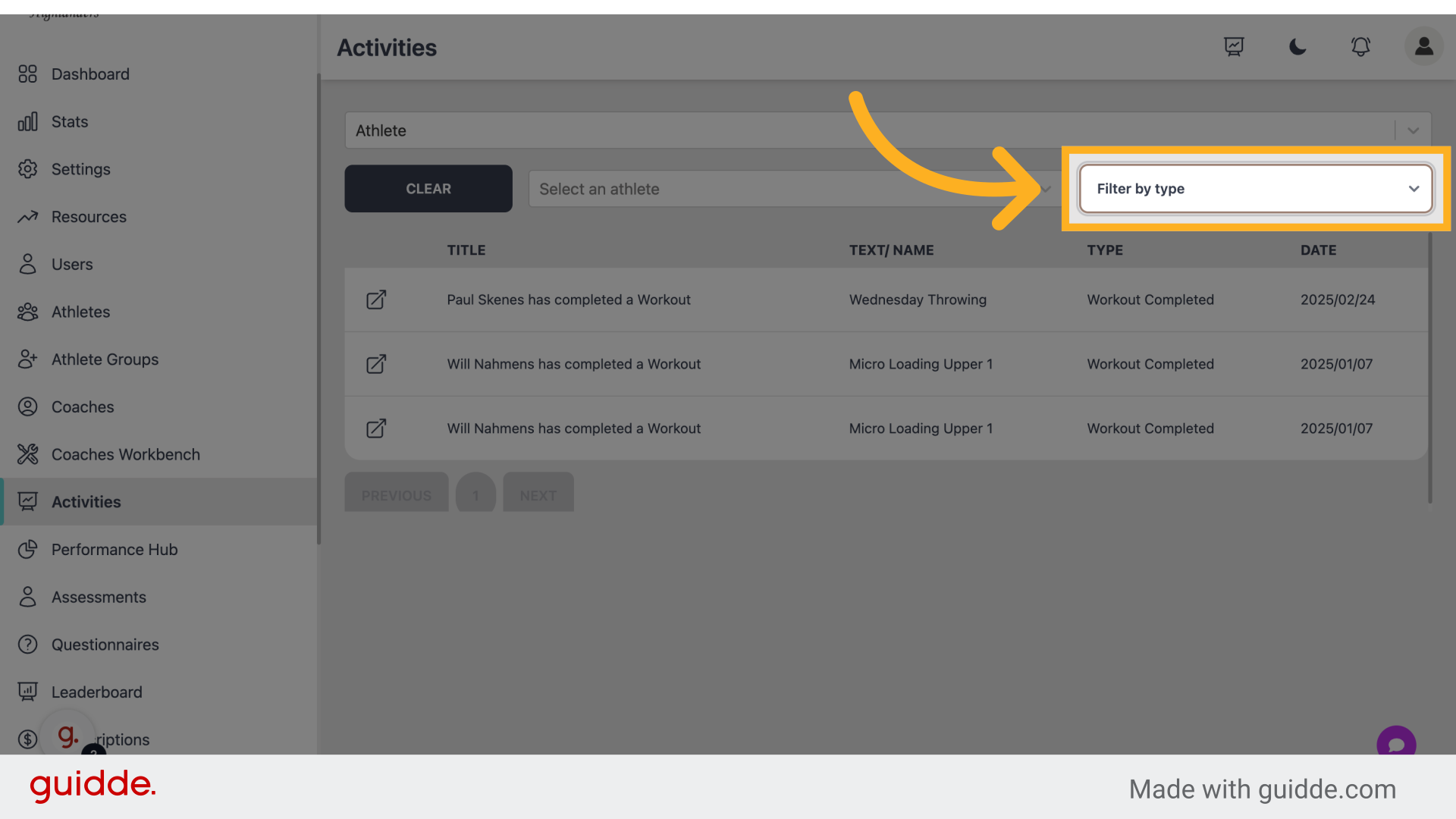
 This guide covered accessing the main dashboard, navigating to the athlete section, filtering user activities by type, and returning to the main dashboard in Connected-performance for efficient user activity management.